Enhancing Your Photography Experience
1 Enhancing Your Photography Experience (Applying Imaging Recipes to Pictures)

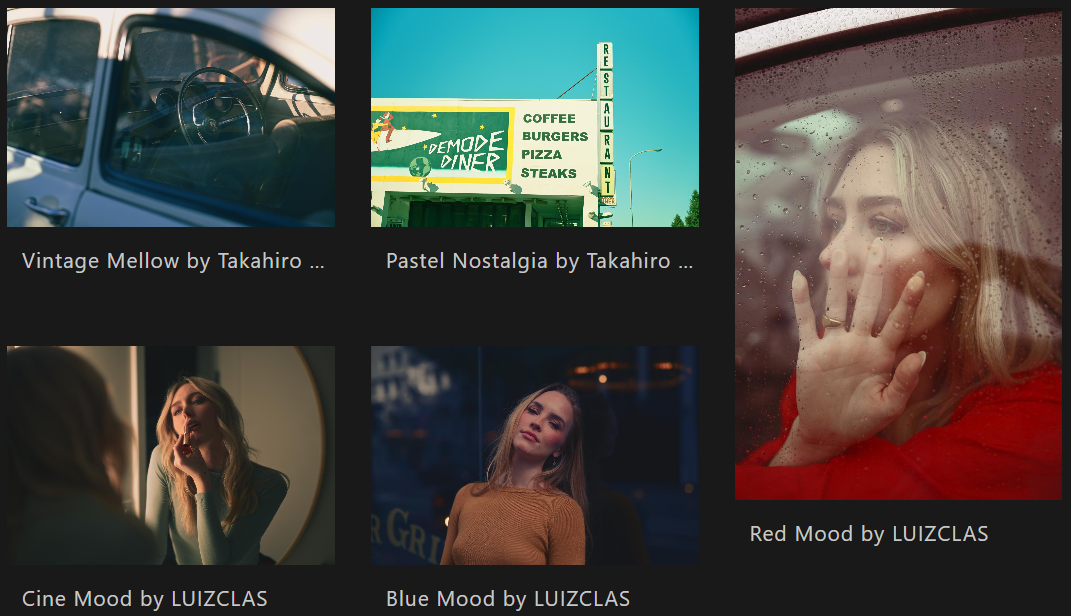
Nikon Imaging Cloud
You can use imaging recipes after registering for Nikon’s "Nikon Imaging Cloud" cloud service.
Imaging Recipes
"Imaging recipes" is a service that creates and saves camera settings and shooting data extracted from images as recipes.
Nikon Imaging Cloud allows you to download Nikon-provided recipes from other creators. Find your favorite recipes and take pictures with styles of your liking.
If you don't use Nikon Imaging Cloud, all steps are completed.
2 Enhancing Your Photography Experience (Registering Your Nikon ID)
You must register to use Nikon Imaging Cloud.
Click [Create a Nikon ID ] below and follow the instructions to create a Nikon ID.
If you already have a Nikon ID, proceed to the next step.
3 Enhancing Your Photography Experience (Connecting the Camera to Nikon Imaging Cloud)
Access Nikon Imaging Cloud from the following URL and connect the camera to Nikon Imaging Cloud as described in the video. We recommend bookmarking the site.