
Format Memory Card
G button U B setup menu
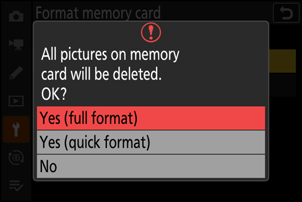
Do not turn the camera off or remove memory cards until the message [Formatting memory card.] clears from the display.
Full Format
When using a CFexpress memory card compatible with full format, you can perform a full format to delete data from all areas of the card. This option is recommended for users who wish to ensure that all data is deleted or who feel that the speed at which the camera reads from and writes to the card has slowed and wish to improve data transfer speeds.
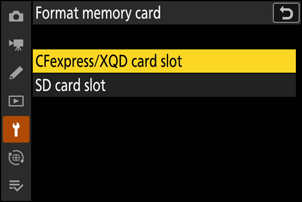
Highlight [CFexpress/XQD card slot] and press 2.
Press O to proceed when the options are displayed.
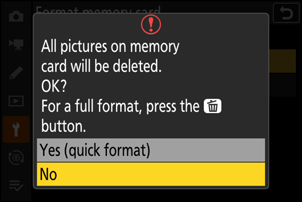
Highlight [Yes] and press J.
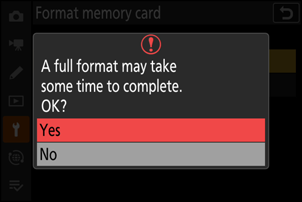
“Quick Format” Versus “Full Format”
A quick format overwrites only the file system information, leaving the actual file data intact. In contrast, performing a full format on a CFexpress memory card deletes all data. We recommend fully-formatting CFexpress memory cards prior to disposal or transfer of ownership.