New Auto Capture Options
We have added new features to [
“Reset Focus After Shooting” Added
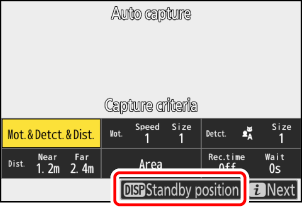
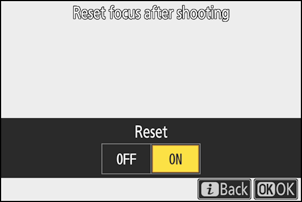
You can now select [Reset focus after shooting] by pressing the DISP button on the settings confirmation dialog before starting auto capture. This allows you to select whether to reset the focus position (focus distance) when the camera enters standby for auto capture.
| Option | Description |
|---|---|
| [Reset] | The camera restores the focus position when it enters standby for auto capture. The restored focus position varies with the option selected for [Capture criteria].
|
| [Don't reset] | The camera keeps the focus position in effect before entering standby for auto capture. |
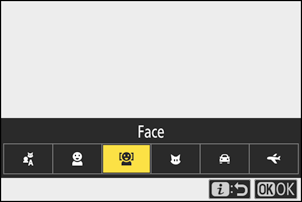
“Face” Added to Subject Detection Types
We have added [Face] as a subject type for [Advanced: Subject detection]. The camera performs auto capture only when it detects a human face.