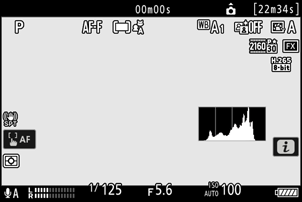
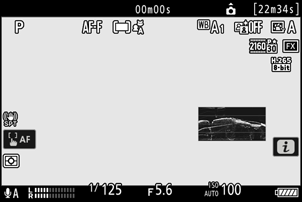
g15: Brightness information display
G button UA Custom Settings g: Video
Choose how the camera displays brightness information in video mode. Brightness information of the selected type can be displayed by placing a check (M) next to E in the list for Custom Setting g17 [Custom monitor shooting display].
| Option | Description |
|---|---|
| [Histogram] | The camera displays a histogram.
|
| [Wave-form monitor] | The camera displays a wave-form monitor. The monitor can be displayed at either of two different sizes.
|
| [Wave-form monitor (large)] |