Getting Ready
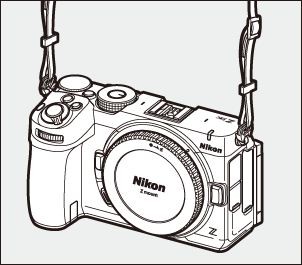
Attach the strap (0Attaching the Strap).
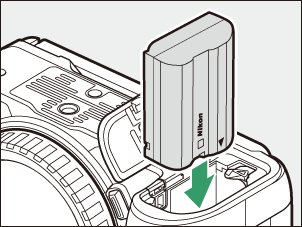
Insert the battery (0Inserting the Battery).
For information on charging the battery, see “Charging the Battery” (0Charging the Battery).
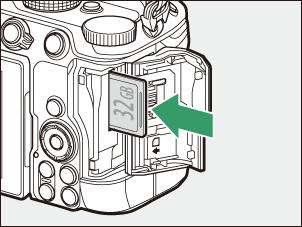
Insert a memory card (0Inserting Memory Cards).
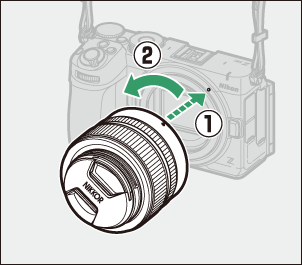
Attach a lens (0Attaching a Lens).
Align the mounting mark on the lens with the matching mark on the camera body (q) and rotate the lens in the direction shown (w).
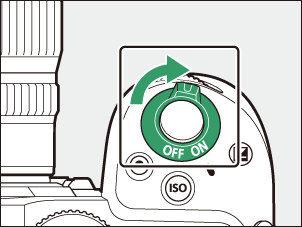
Turn the camera on and then choose a language and set the clock (0Camera Setup).