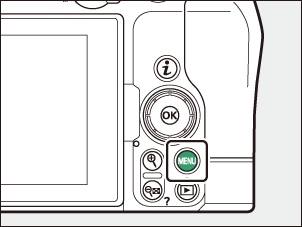
My Menu: Reordering Items
G button U O my menu
You can reorder items in My Menu.
Select [Rank items] in [O MY MENU].
Highlight [Rank items] and press 2.
Select an item.
Highlight the item you wish to move and press J.
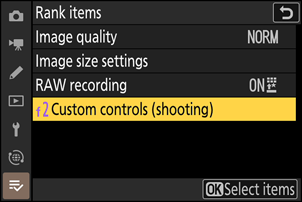
Position the item.
- Press 1 or 3 to move the item up or down in My Menu and press J.
- Repeat Steps 2–3 to reposition additional items.
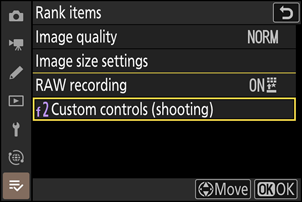
Exit to [O MY MENU].
Press the G button to return to [O MY MENU].