
Deleting Unwanted Pictures
Press the
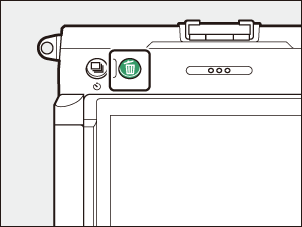
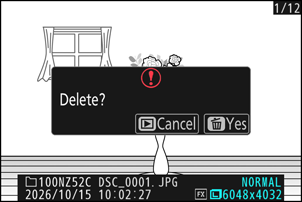
- Display a picture you want to delete and press the O button to display a confirmation dialog. Press the O button again to delete the picture and return to playback.
- To exit without deleting the picture, press K.
The Playback Menu [Delete] Item
Use [Delete] in the playback menu to:
- delete multiple pictures,
- delete all pictures currently rated d (candidate for deletion),
- delete all pictures taken on selected dates, or
- delete all pictures in selected folders.