Record camera orientation
G button U D playback menu
Choose whether the camera orientation information during shooting is stored in pictures. You can configure separate settings for [Photos] and [Video].
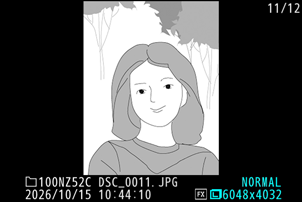
If [ON] is selected, information on camera orientation when the photograph was taken is recorded. During playback on the camera or on a computer, images are rotated automatically using the recorded orientation information.
- Videos played back on the camera are not automatically rotated.
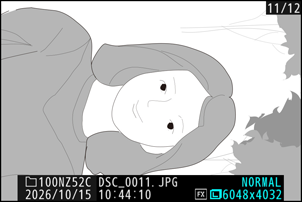
If [OFF] is selected, information on camera orientation is not recorded. In this case, images displayed during playback are always in landscape (wide) orientation.
Caution: Record Camera Orientation
Camera orientation may not be correctly recorded in photos taken with the camera pointing up or down or while panning.
Camera Orientation Information for Videos
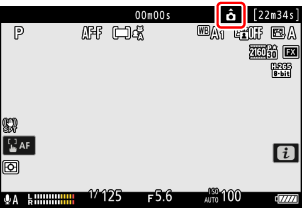
Selecting [ON] for [Record camera orientation] > [Video] displays a camera orientation information icon for videos in the shooting display.