Playback Zoom
To
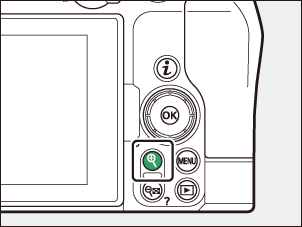
Using Playback Zoom
| Operation | Description | |
|---|---|---|
| Zoom in/zoom out |
|
|
| View other areas of picture | Use the multi selector or glide gestures to view areas of the picture not visible in the monitor. Keep the multi selector pressed to scroll rapidly to other areas of the frame. | |
| Crop picture | To crop a photograph to the area currently visible in the monitor, press i while zoomed in and select [Quick crop]. | |
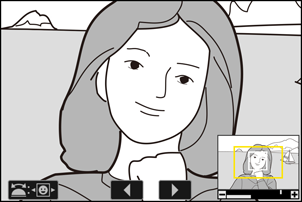
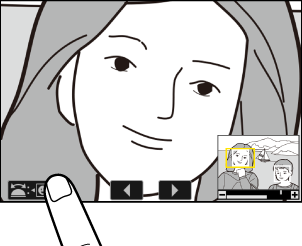
| Select faces | Faces detected during zoom are indicated by white borders in the navigation window. Rotate the sub-command dial or tap the on-screen guide to view other faces.
|
|
| View other pictures | While a photograph is zoomed in, rotate the main command dial to view the same location in other photos without changing the zoom ratio (selecting a video cancels zoom). You can also view other photos by tapping the e or f icon at the bottom of the display. | |
| Protect pictures | To toggle protection for the current photograph on or off, press the A button while zoomed in (0Protecting Pictures from Deletion). | |
| Exit to shooting mode | Press the shutter-release button halfway or press the K button to exit. | |
| View menus | Press the G button to view the menus. | |